
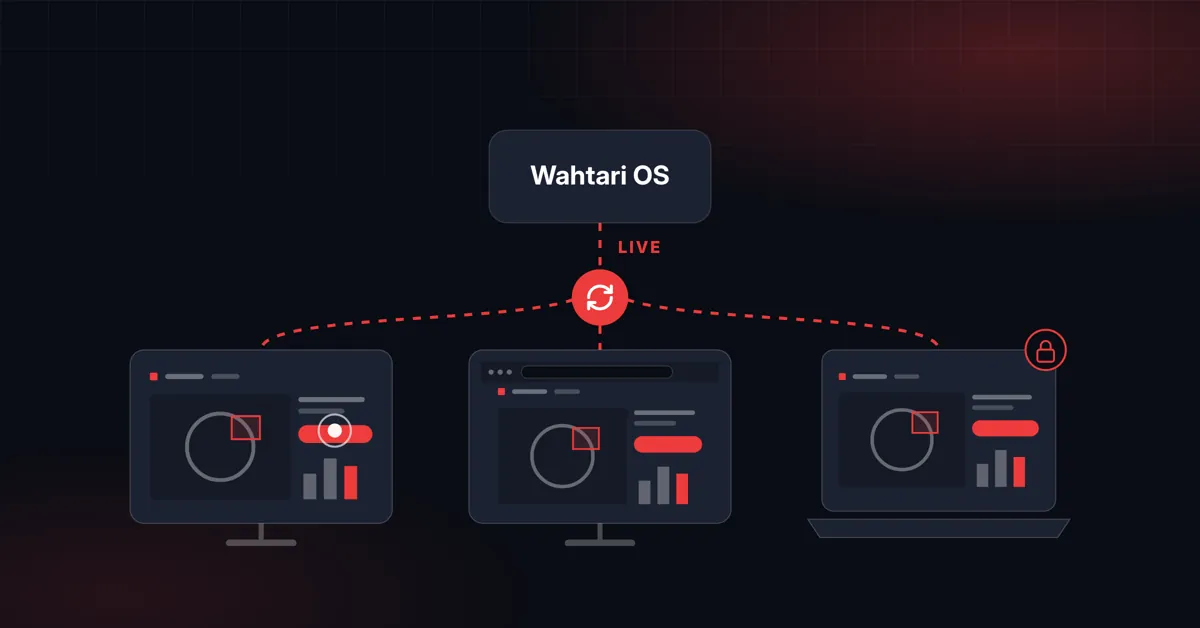
The shift supervisor stands at the touch monitor right at the machine. Quality assurance looks at the same results in the control room. And you access the system while on the road – just as you would on site. With our inspection systems, this is not an either-or: everyone works with the same system at the same time and sees the same state live.
Operation right in the web browser
The operator interface of our inspection systems is an interactive web interface. You open it in any web browser; no software has to be installed on your computers. This makes integration and setup easy: the system is connected to your internal network and can be reached there in the browser.
At the line, this is often done on a touch monitor; in the control room, on an ordinary computer.
Synchronized live on every screen
Several screens can access the same device in parallel. The interface synchronizes live: if someone changes a setting at the line, the control room sees it immediately – and vice versa. This way, everyone involved works with the same state.
Remotely through the Wahtari Platform
Through the Wahtari Platform you operate your inspection systems remotely just as you would on site – with the same interface and in parallel with operation at the line. Your own team can access the systems from anywhere, and our support helps the same way.
Every connection runs through its own end-to-end encrypted tunnel based on WireGuard. Your devices cannot be reached from the internet, and your plant network stays closed. Every device has its own keys, and the platform is operated on servers in Germany.
Updates, maintenance and support by Wahtari only take place with your approval. You approve specific devices and a time window; after that, no more access is possible.
You stay in control
Our systems have at least two network interfaces: one for your internal network and a dedicated one for remote access. Further interfaces for the connection to the line, such as OPC UA, PROFINET or a REST API, are added depending on the product.
The remote access interface can be disconnected with a hardware switch right on the machine – without software and without a setting in the system. On the internal network, the system can still be operated at any time, and the AI analysis keeps running entirely locally.
Learn more
Everything about the operator interface and the operating system of our inspection systems is on the Wahtari OS page, everything about secure remote access on the Wahtari Platform page. Would you like to see how this looks at your line? Get in touch.